



Lesson 2 of 4
Build the session around a decision
People remember what they had to choose. Give them a real decision with a defensible answer on both sides, then let the material arrive while they argue about it.
Tell Macaly what you teach and who it is for, and you get a course page, a page for every lesson and a sign-up form that keeps every name in one list.
Session plan
Run a workshop people finish
Run a workshop people finish
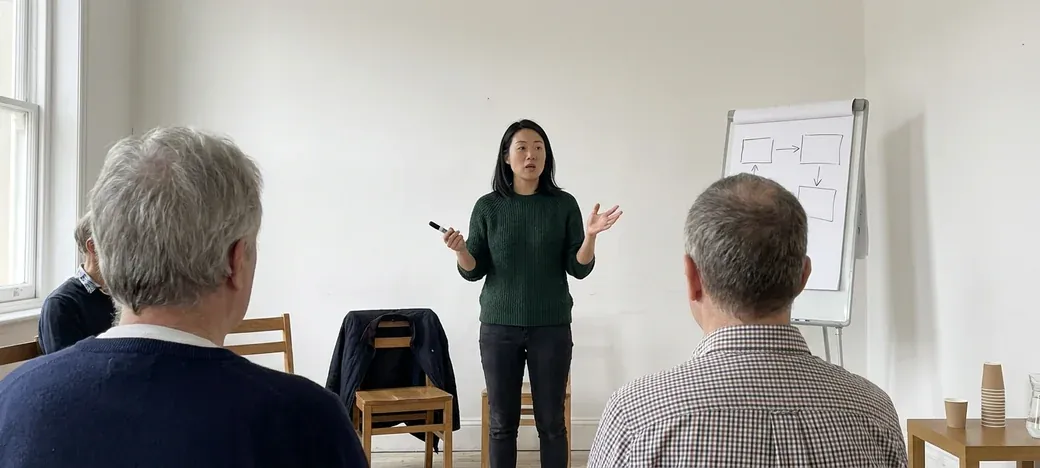
 Maya ChenRuns the sessions herself
Curriculum
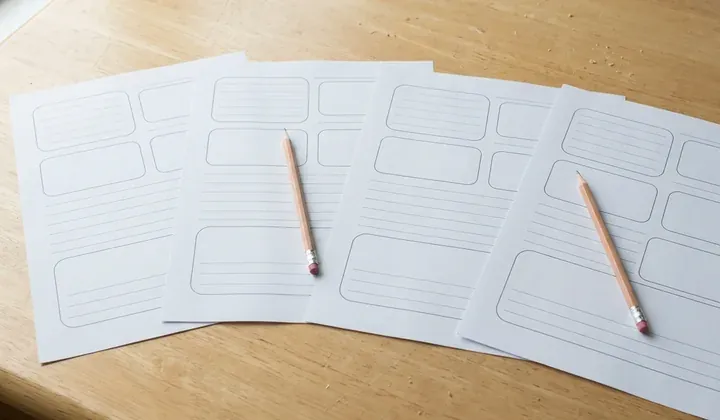
Maya Chen's workshop is made up. Is your plan on paper too? Attach a photo of it in the chat after you sign in.
Each step of the curriculum opens its own page, with the material, an exercise and a button to mark it done. Click through Maya's four.
Workshop CraftRun a workshop people finish
Self-pacedRun a workshop people finish
Lesson 2 of 4
Build the session around a decision
People remember what they had to choose. Give them a real decision with a defensible answer on both sides, then let the material arrive while they argue about it.
Pick Cohort and the course page lists your dates with the places left on each. When a date fills up, its button takes names for the waiting list instead. A new date is one message in the chat.
Workshop CraftRun a workshop people finish
Upcoming groups
4Mar
Full4 and 6 March, 10:00 to 13:00
12 of 12 places taken, 2 on the waiting list
18Mar
6 places left18 and 20 March, 10:00 to 13:00
6 of 12 places taken
1Apr
11 places left1 and 3 April, 10:00 to 13:00
1 of 12 places taken
The sign-up form saves each entry in your project's database. Open it to see who is coming, which date they picked and why they want to learn. Download a backup as a ZIP whenever you like.
A course page that says what people will learn and who it is for, the curriculum, a sign-up form, and a page for each lesson in that curriculum. From there you keep shaping the course site in the chat with Macaly: rename a lesson, add a module, rewrite an exercise.
Into your project's own database. The sign-up form saves every entry, so one list shows who is coming, which date they picked and what they wrote. You can download the whole database as a ZIP backup, and on a paid plan you can get an email for each new sign-up.
Yes, through Stripe. Connect your own Stripe account and ask Macaly for a checkout on the course page, and the money goes to your Stripe account. Checkout runs in a test mode first, Macaly adds no fee of its own, and Stripe's usual fees apply.
They can. Ask Macaly to add sign-in and learners log in with an email code, a password or their Google account. The lessons each learner has finished are saved in the project's database, so they pick up where they left off.
Yes. Pick Cohort in the form and the first draft comes with dates, a set number of places for each one and a waiting list for a date that fills up. Pick Workshop for a single session with an agenda and the notes you send afterwards.
No. A lesson can be text, a worksheet, an exercise or a recording, and most courses mix them. If your videos are already on YouTube, connect your channel and Macaly can turn a playlist into lessons in the same order.
Yes, any time. Ask in the chat for a new module, a different order or a rewritten lesson, and Macaly updates the course page and the lesson pages with it. On a computer you can also click any text on the page and rewrite it yourself.
Yes. Ask for a second course and Macaly adds a course page with its own curriculum and lessons, plus a page that lists both courses.
Nothing to start. A free Macaly account covers the first draft and publishing the course site on a free macaly.app address, with the Macaly badge. Your own domain needs a paid plan, and the pricing page lists them.
Yes, on a paid plan. The course goes live on a free macaly.app address when you publish, and you can then connect a domain you already own or buy one inside Macaly. The secure connection is set up for you.
Tell Macaly what you teach and get the page that sells your course, with every lesson behind it.