Google Maps
to website
Paste the link to your listing and Macaly builds a site from what it already shows: your photos, hours, reviews and address, plus a contact form.
Starting is free, and publishing on a macaly.app address is free too.


Dusk
4.6(1,300)



Prague · Vinohrady
Where every hour feels like dusk.
The same coffee shop, on Maps and on its own site
On the left, Dusk's listing as Google Maps shows it on a phone. On the right, the site built from that listing, with the owner at the bar as the first photo on both.
Dusk
4.6(1,300)Coffee shop
Prague · Vinohrady
Where every hour feels like dusk.
Warm light, good coffee, and the right record on at all times.
Your listing, laid out as a site
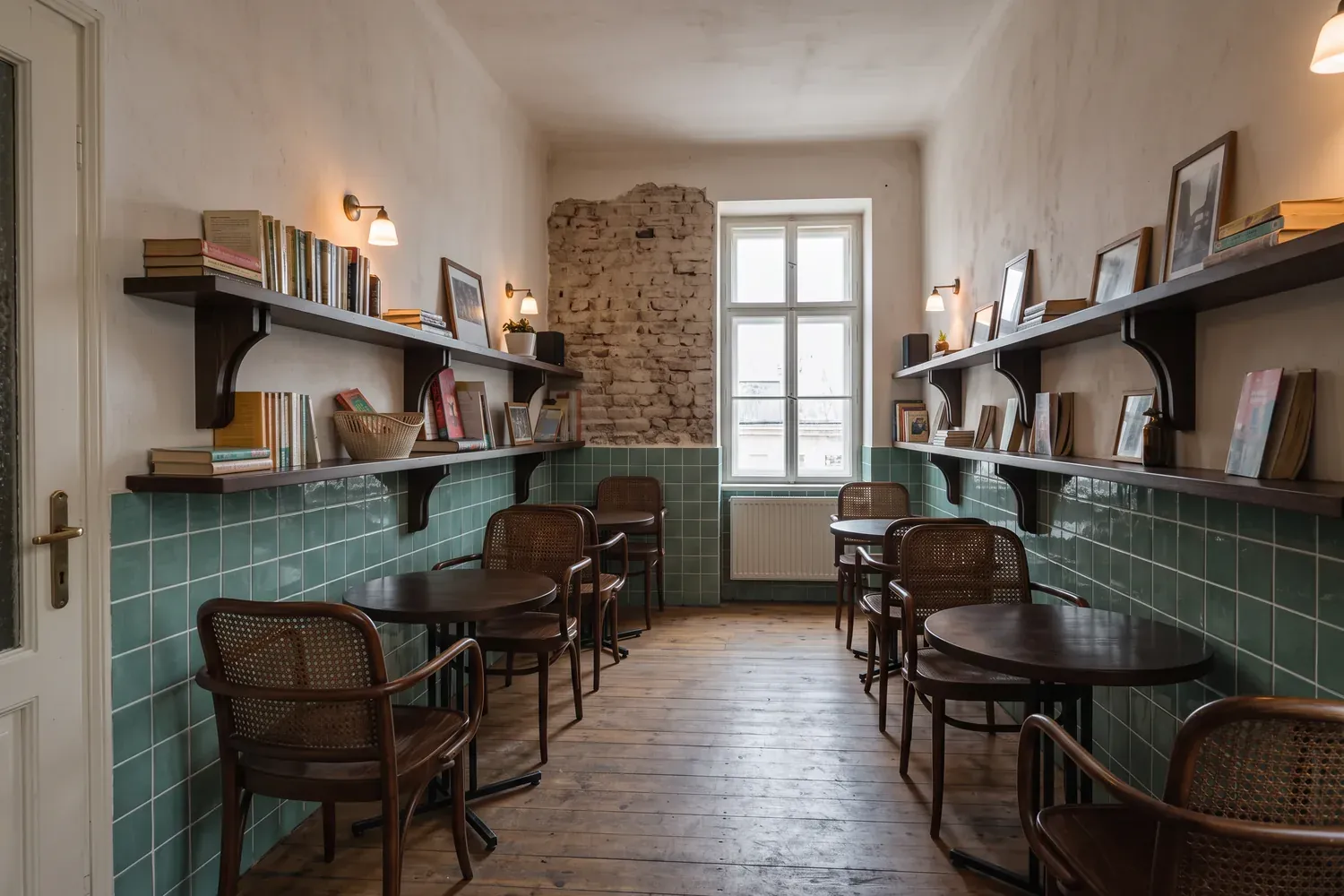
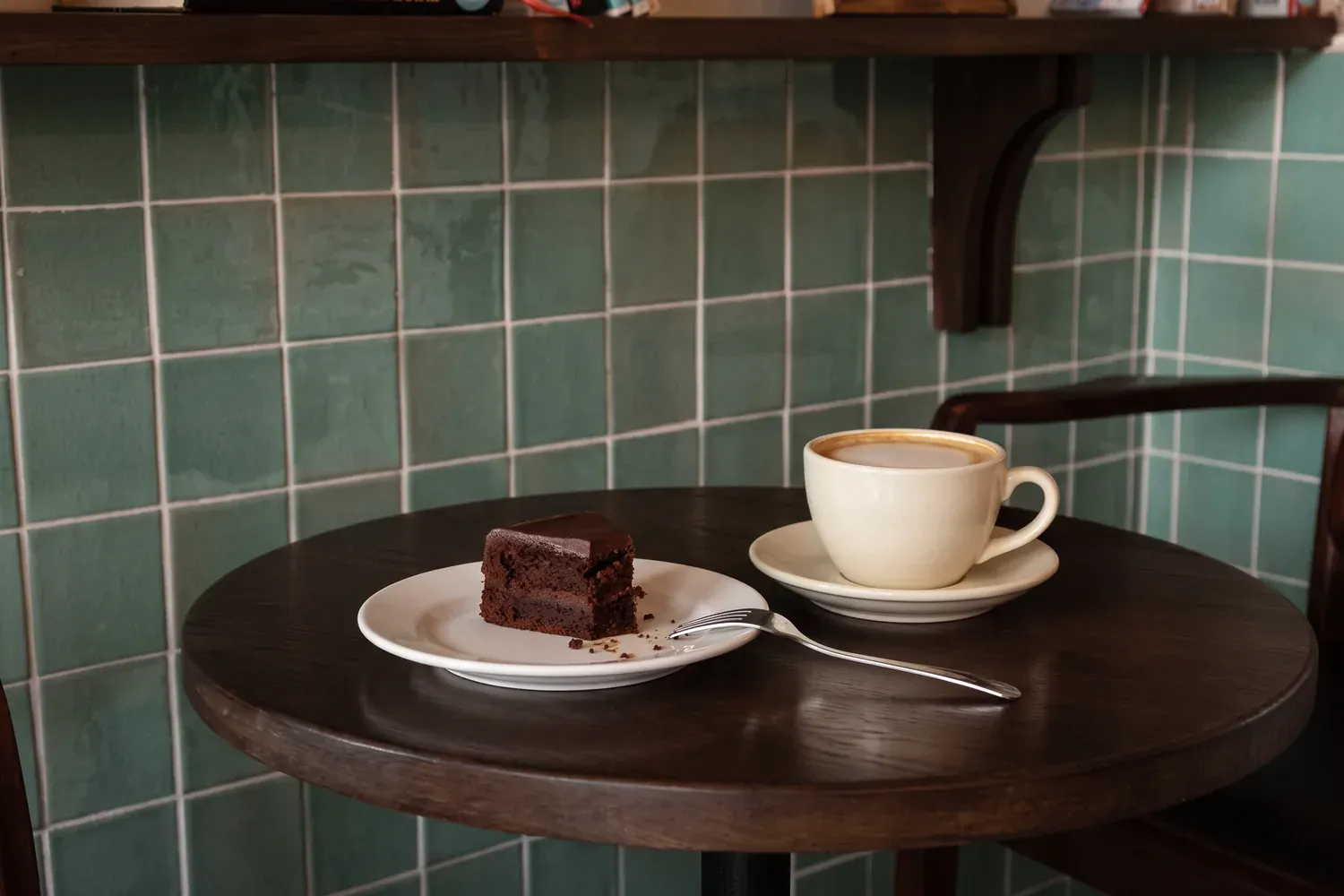
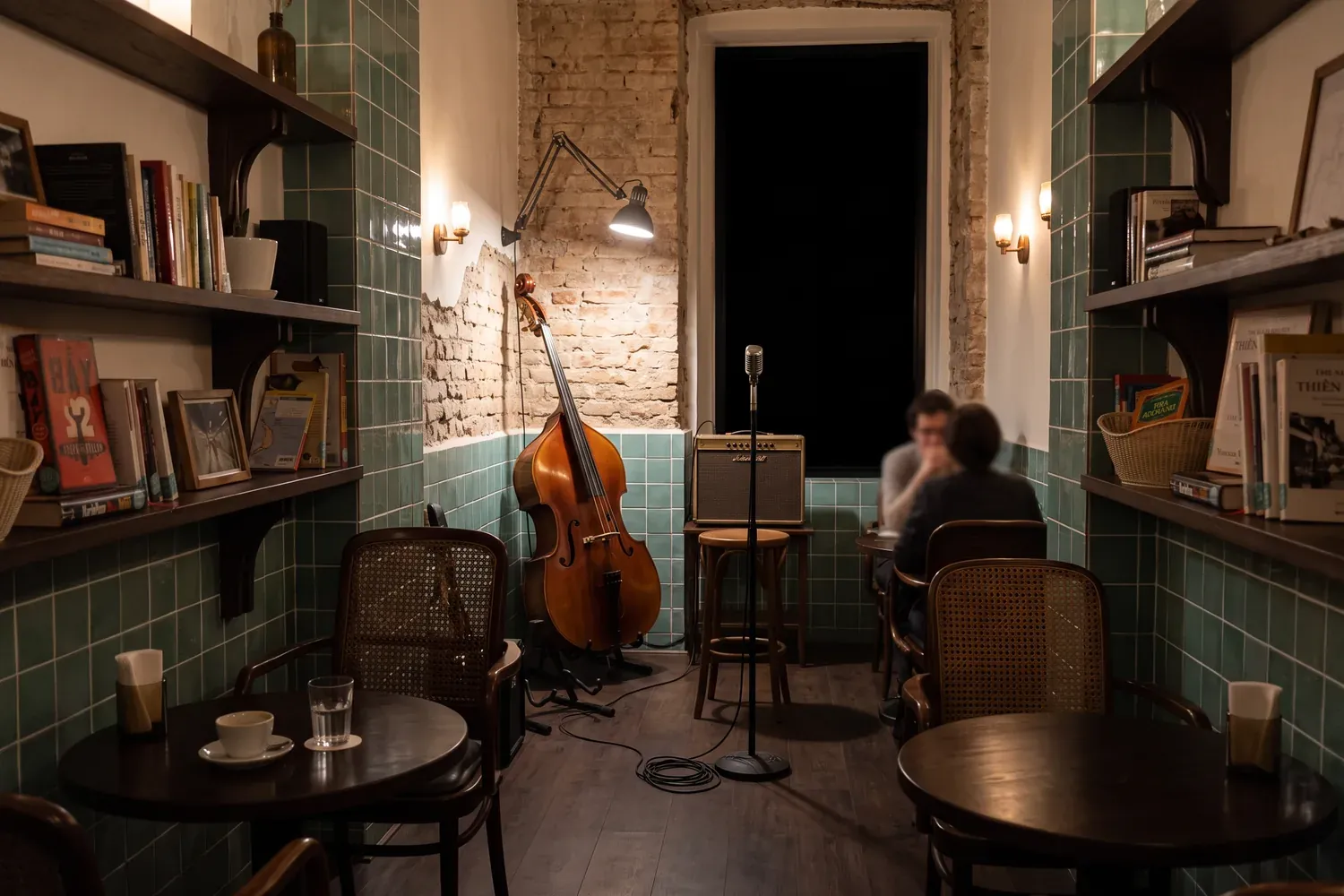
On Maps your photos are thumbnails, your reviews sit behind a tap and your hours are one grey line. On the site each of them gets a section of its own.

Photos become a gallery
Full size, in the order you choose, with the ones that show the place at its best up front.
Reviews get their own section
Your rating and the reviews from the listing, each one still credited to Google.

Hours, address and a map
An opening hours table, the address on a map and a phone number that dials when tapped.
A booking form when you want one
A listing has buttons, and none of them takes a booking. Ask the agent for one and the site gets a booking form that saves every request to your project's database.
Your listing stays as it is
Macaly writes nothing back to Google. People still find you on Maps, and the site sits next to the listing at an address of its own.
Your own domain
On a paid plan, bought in Macaly or connected from your registrar.
Pay with card
Deposits by card
Paid to your own Stripe account. Macaly adds no fee, Stripe's fees apply.
The agent writes for the work you do
The same kind of link gives a café a menu and a salon a price list.
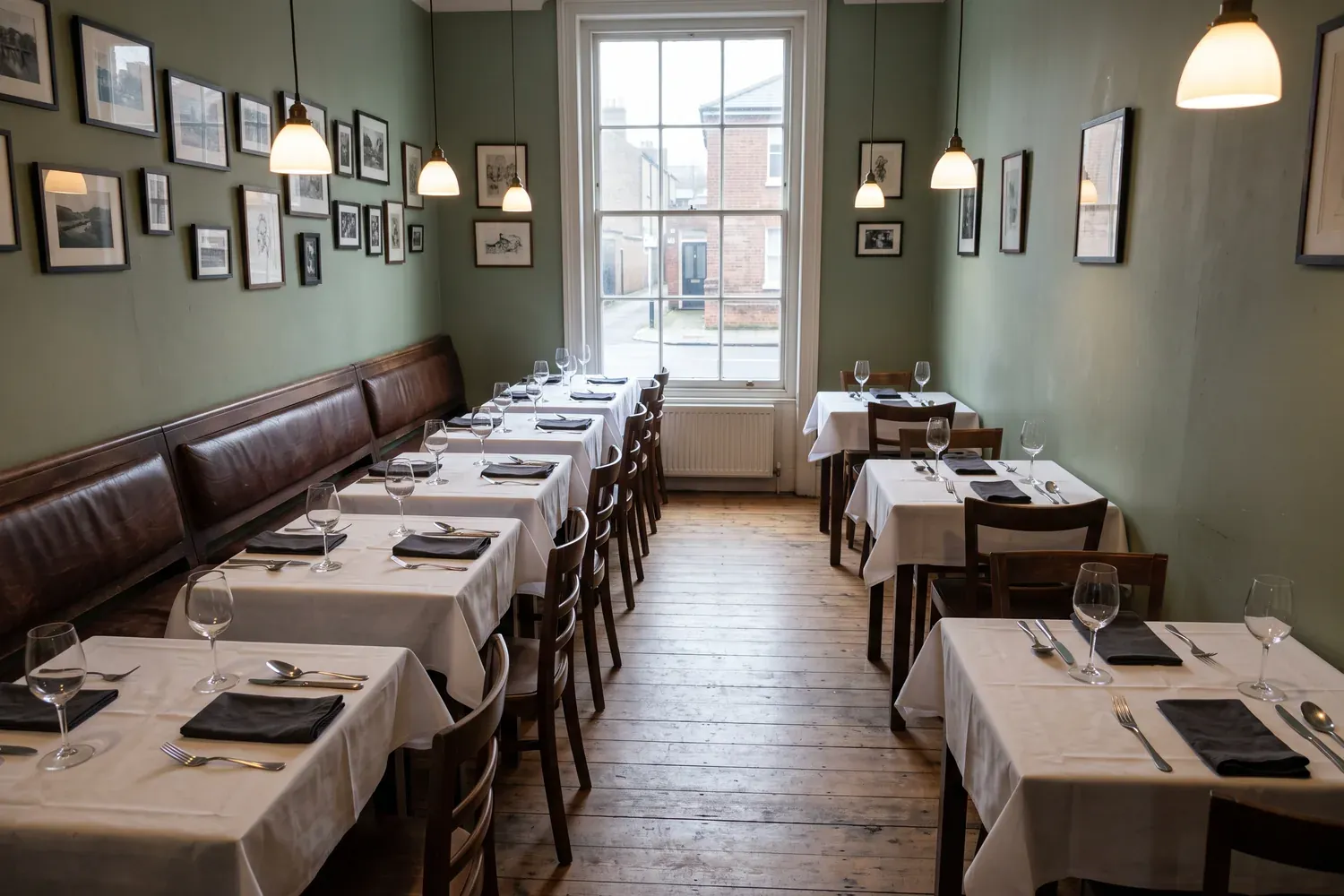
Cafes
A menu with prices people can read before they walk in, and photos of the actual room.
Restaurants
The menu, what is on today, and a table booking that goes straight to you.
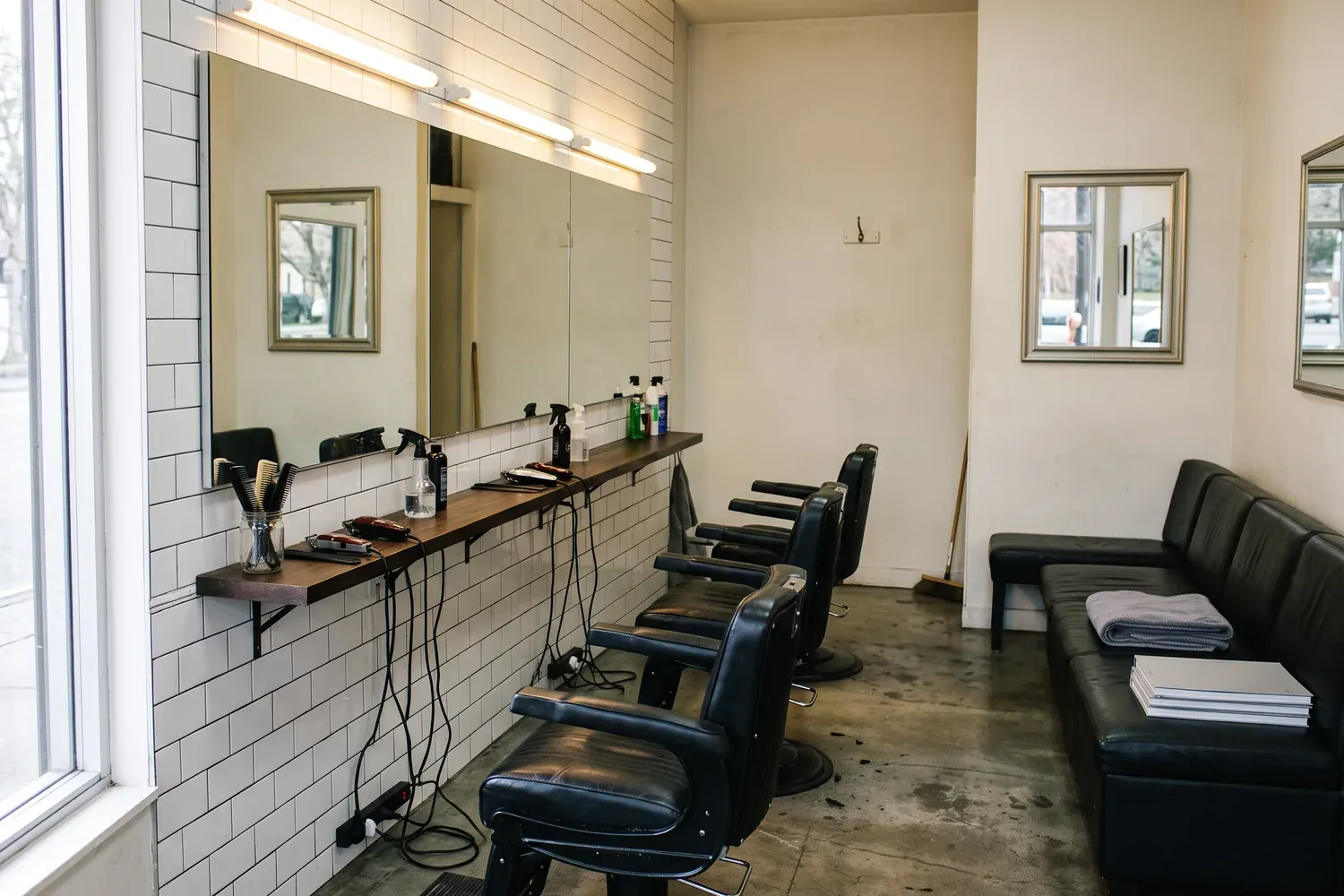
Salons and barbers
A price per service, who does what, and a slot people can ask for at midnight.
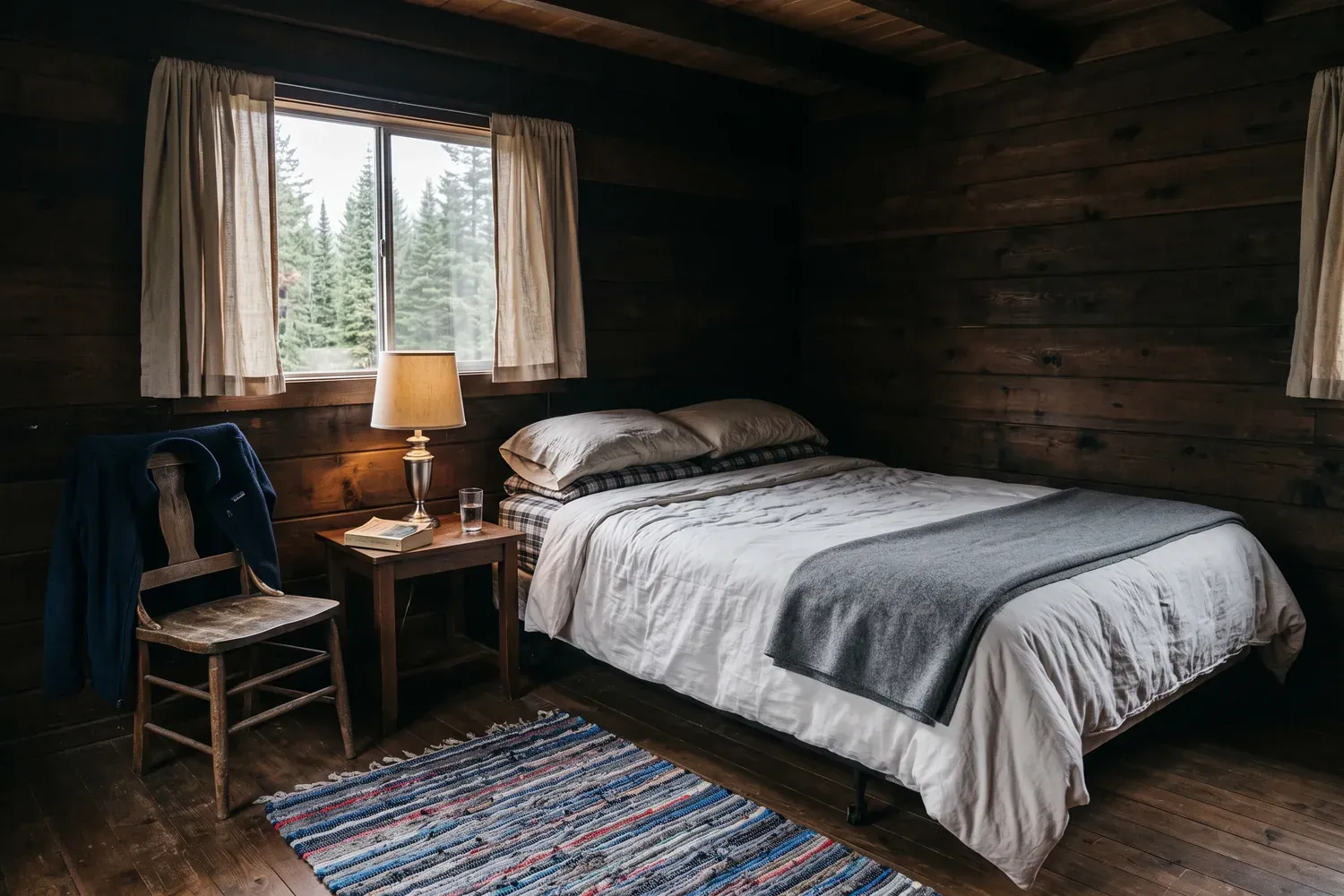
Rooms and rentals
The rooms, the photos, and an enquiry that comes to you directly.
Gyms and studios
This week's schedule, who teaches it, and a sign-up for a first class.
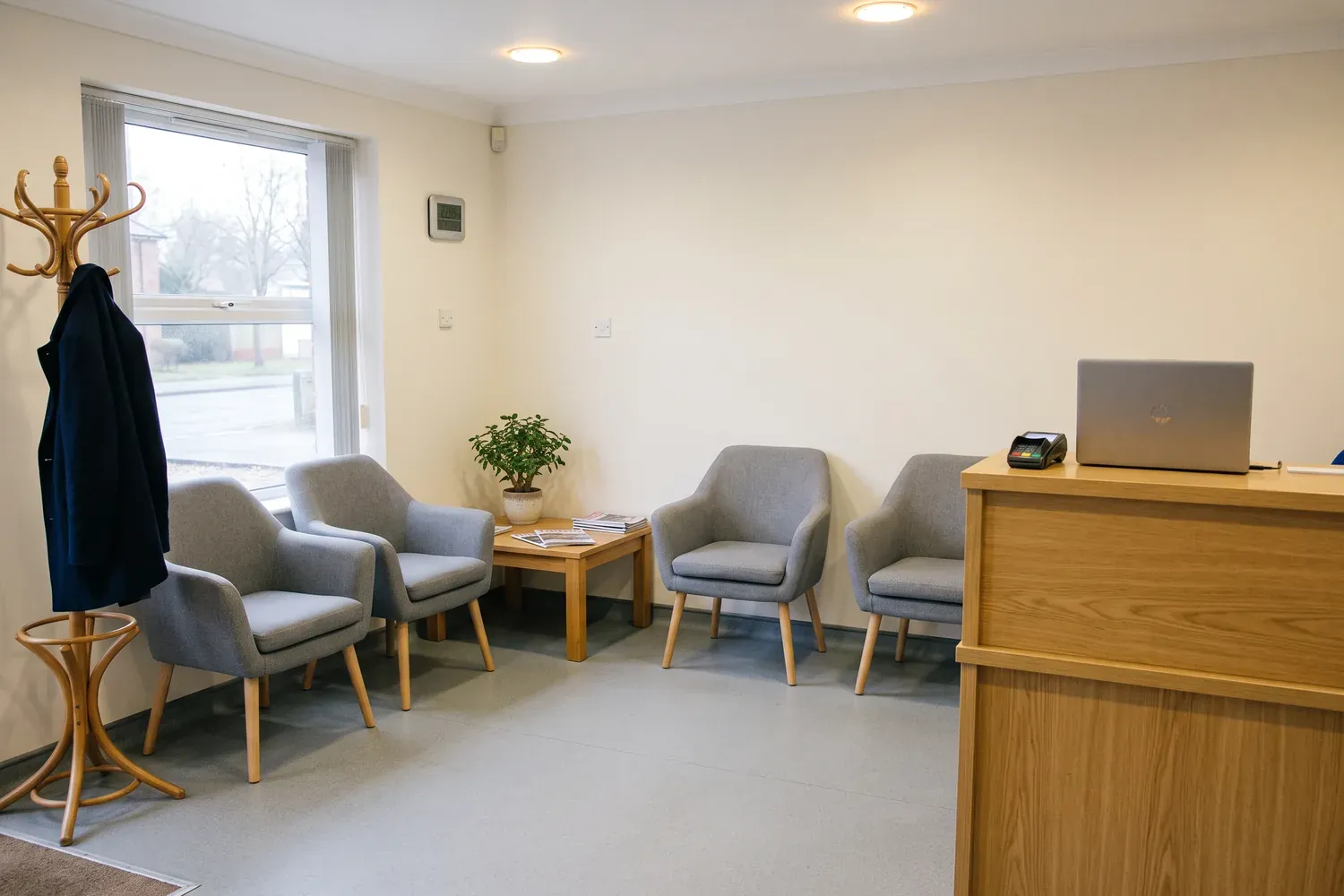
Doctors and dentists
Hours, how to get there, and a form for new patients who would rather not call.

Questions people ask
No. Your Google Maps listing stays exactly as it is, and Macaly writes nothing back to Google. The site lives at its own address, so people still find you on Maps and then land on a site that is yours.
The public details anyone can see on the listing: the name, address, phone, opening hours, photos, rating and reviews. Before the agent loads them, it asks you to confirm and shows how many credits the load can use.
It still works. The agent builds the site from what the listing has and asks you for anything essential that is missing. Add your own photos in the chat (PNG or JPG, up to 5 MB each) and say in a sentence what the place is like.
Starting is free. Sign in, the agent builds the site, and you can publish it on a free macaly.app address with the Macaly badge. Loading the listing uses credits from your monthly allowance, and your own domain needs a paid plan.
Yes, on a paid plan. Connect a domain you already own from any registrar, or buy one inside Macaly, and the secure connection is set up for you.
Yes. Tell the agent what to change in plain words. On a computer you can also click a piece of text or a photo on the page and change it yourself, which uses no credits.
Yes, when you ask for it. The first build has a contact form; ask the agent for a booking form and every request is saved in your project's database, with an email to you on a paid plan. For deposits, connect your own Stripe account: Macaly adds no fee, Stripe's fees apply.


Turn your Google Maps listing into a website
Sign in and paste your Maps link in the chat, or start from the field at the top of this page.